
'Claude' Back Your Weekend: Stop Writing Release Notes by Hand
It is Saturday morning. Your team shipped four things this week. The engineering work is done. The PRs are merged. The deploys went out clean.
And here you are, coffee going cold, writing release notes.
Not because you want to. Because if you do not do it now, it will not get done before Monday's customer call. Marketing needs the announcement draft. Sales needs talking points. Support needs a KB article. None of it exists yet because the week was all shipping and no announcing, and somehow that gap always lands on your Saturday.
This is the content catch-up tax. Every team paying it assumes it is just part of the job. It is not. It is a pipeline problem, and it is completely solvable. Here is the setup that makes it go away.
What You Are Paying For Right Now
Before the fix, it helps to see the actual cost clearly. For most teams shipping weekly, the content catch-up tax looks something like this:
The Weekly Content Catch-Up Tax
- Release notes: 45-90 minutes per release to write, review, and format
- Sales talking points: 30-60 minutes to translate what shipped into something AEs can use
- Support KB article: 60-120 minutes, usually done reactively after tickets arrive
- Marketing announcement draft: 2-3 hours including back-and-forth with the team
- Total per release: 4-6 hours of writing work that follows every single ship
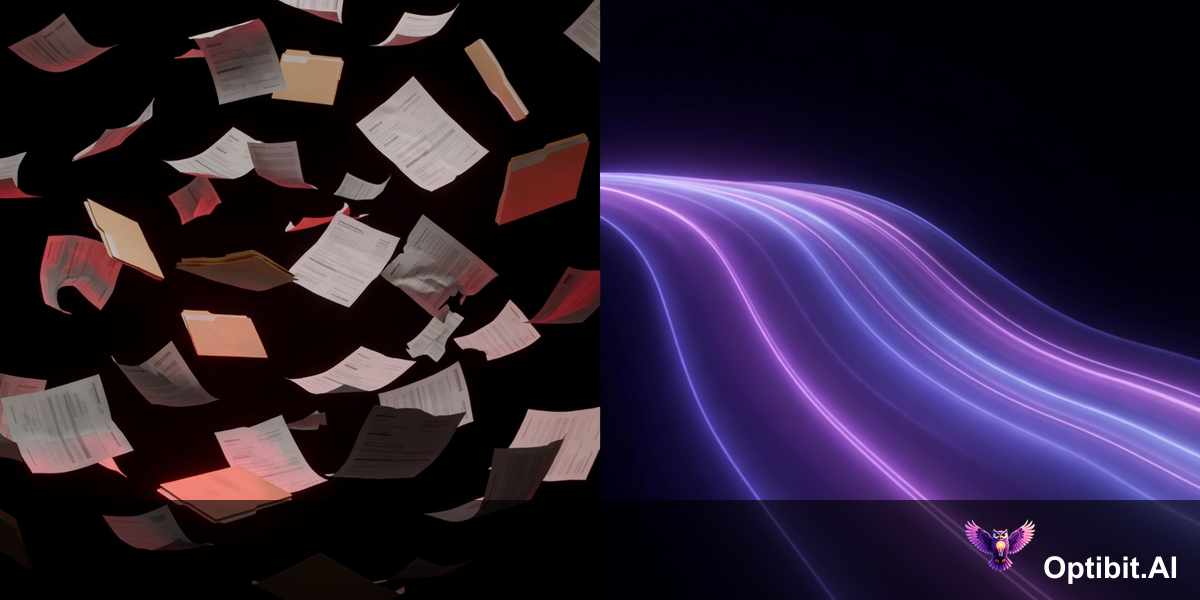
Ship four features in a week and you have just added a full day of content work on top of everything else. That work does not disappear. It either gets done late, done badly, or done on Saturday by whoever cares enough to do it.
The Setup That Eliminates It
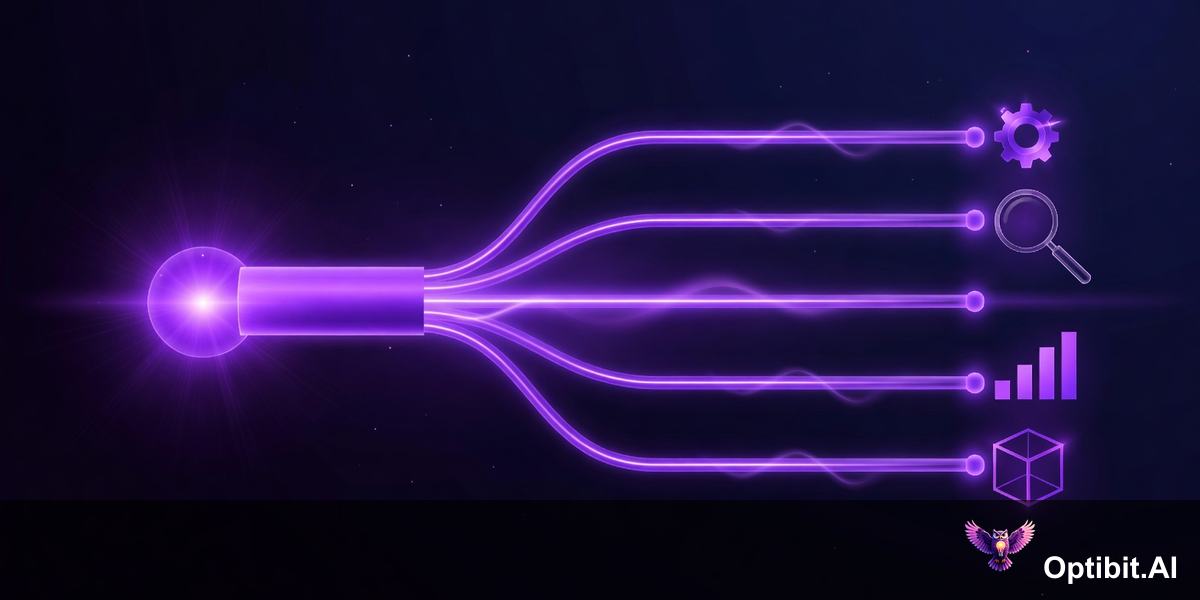
OptibitAI reads your code changes and PR history the moment a release is ready. Your job is to tell it, once, how to shape what it finds into the content each team needs. Do that setup right and the catch-up tax disappears. Here is how to do it in an afternoon.
Create one artifact for each audience
You need four artifacts at minimum. Each one serves a different reader and should have its own prompt. Do not try to serve multiple audiences from a single artifact — the output will compromise for everyone and work for no one.
- Release Notes — for developers and technical users
- Customer Announcement — for end users and customer success
- Sales Talking Points — for AEs going into deals
- Support KB Article — for your support team and help center
If you have a blog or a press release workflow, add those too. The incremental setup cost per artifact is small. The payoff is the same: it runs automatically, every time.
Write a structured prompt for each artifact
This is the most important step and the one most teams underinvest in. A weak prompt produces output you have to rewrite. A strong prompt produces output you approve in five minutes.
Each prompt should cover: the role writing the content, the specific audience reading it, the exact format and sections you want, and at least one constraint (what to avoid). For a detailed breakdown of how to write these, see How to Write Prompts That Get OptibitAI Output Worth Shipping.
The prompts you write today are the ones that run every Friday night when the team merges. Spend an extra 20 minutes on each one now and save hours every week indefinitely.
Connect to your repo and set your release trigger
Point OptibitAI at the repositories that produce customer-facing changes. For most teams this is your main product repo, but if you have separate repos for your API, your mobile app, or your infrastructure, add those too.
Set the trigger to fire on merge to main (or your production branch). The moment engineering ships, the pipeline starts. By the time the deploy finishes, the content drafts are already waiting.
Run it once and tune the prompts
Generate your first set of artifacts manually against your most recent release. Read each output and identify the one thing that is most off — usually tone, structure, or a missing section. Fix that one thing in the prompt. Generate again.
Most prompts need two or three iterations before they produce output you can approve without rewriting. Do those iterations now, on a past release, before the pipeline is live. Every fix you make today saves you from making it under pressure on a Friday afternoon.
What Friday Looks Like After the Setup
Your team merges the final PR at 4:30 PM. You get a notification. Four drafts are ready.
Before
- Merge happens Friday afternoon
- You spend Friday evening writing notes
- Marketing draft starts Saturday morning
- Sales gets an update in Monday's sync
- Support KB goes live two weeks later
- You lose the weekend
After
- Merge happens Friday afternoon
- Four drafts generated automatically
- You spend 20 minutes reviewing and approving
- Everything is live before 5 PM
- Sales has talking points before Monday
- You close your laptop
The review step matters. OptibitAI generates the drafts; you approve them. That 20-minute review is not a failure of automation — it is the right division of labor. The pipeline handles the writing. You handle the judgment call on whether it is ready to go out. That is a job worth doing. Sitting down on Saturday to write from scratch is not.
The One Thing That Kills This Setup
Teams that set this up and stop getting value from it almost always have the same problem: they wrote weak prompts in the initial setup and never went back to fix them. The first few outputs were mediocre. They started editing heavily. Then they stopped trusting the pipeline. Then they stopped using it.
The content catch-up tax is optional. You have been paying it because the alternative required a setup you had not done yet. That setup takes an afternoon. The return starts the same week.
Your team is shipping on Fridays. The content should be ready by Friday night. And Saturday morning should be yours.
Get started at optibit.ai — set up your first artifact in under 10 minutes and run it against your last release today.
Published: April 11, 2026
Related Articles
How to Write Prompts That Get OptibitAI Output Worth Shipping
The structured prompt patterns that turn close-but-not-quite output into release notes and sales content you can ship on the first pass.
The GTM Bottleneck Paradox
AI tools doubled engineering velocity. The bottleneck didn't disappear — it moved downstream to GTM.
The Feature Launch Gap
Why most feature launches fail in the critical 72-hour window between code ship and market awareness.