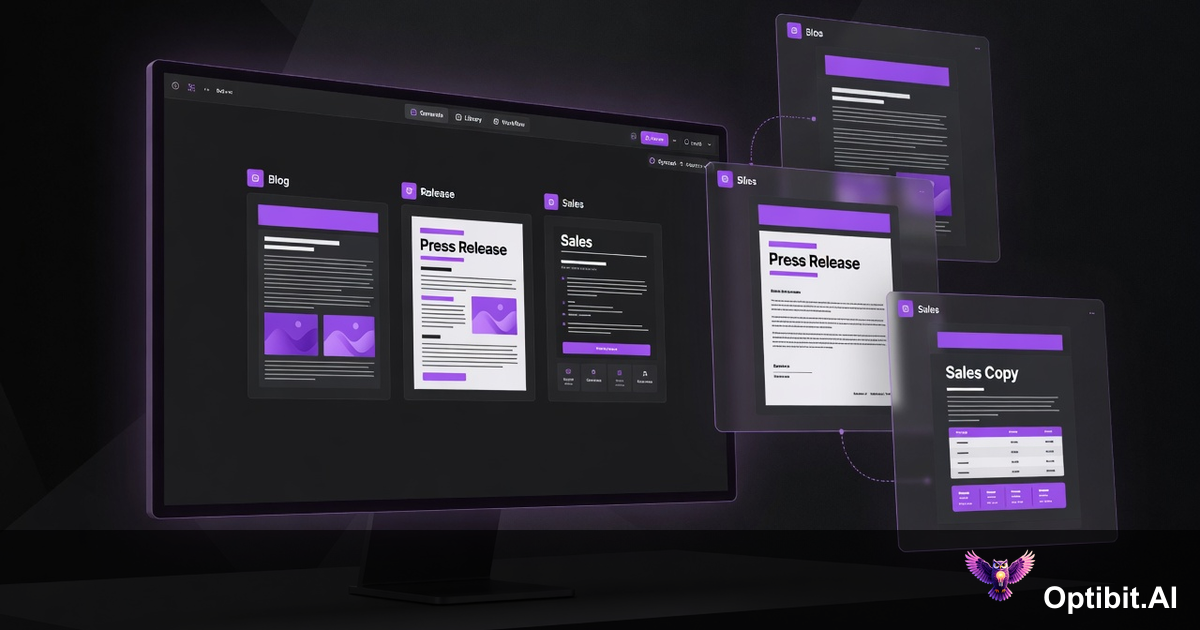
OptibitAI 2.2.0: Personas, Smart Assets, and One-Flow Content Generation
OptibitAI 2.1 solved the generation speed problem. Parallel artifact generation, real-time job tracking, and admin controls meant teams could produce more content faster. What it didn't fully solve was the consistency problem: content that moves fast but sounds different every time, for the wrong audience, in the wrong voice, still fails.
2.2.0 closes that gap. This release introduces 12 writer personas, 22 audience personas, a completely rebuilt asset library, corpus-aware generation that learns from your own content, real-time AI editing with full version history, and a single end-to-end flow that takes you from GitHub release to finished artifact in one pass. The result is not just faster content. It is content that sounds like your brand, speaks to the right person, and stays aligned across every team that touches it.
Here is everything that shipped.
Assets Tab: Your Content Library, Actually Useful
The Artifacts tab is now the Assets tab. The rename is not cosmetic. OptibitAI generates far more than traditional artifacts: blog posts, battle cards, onboarding guides, press releases, customer emails, and custom content types your team defines. Calling them all "artifacts" stopped reflecting what the library actually contains. Assets does.
More importantly, the library itself has been rebuilt. Every asset is now filterable and sortable across five dimensions: category (product, marketing, sales, support, custom), topic (release notes, press releases, blog posts, and any custom type you create), artifact type, author, and creation date. Finding what you need no longer means scrolling through an undifferentiated list.
The bigger change is AI-powered auto-tagging. When an asset is generated, OptibitAI automatically assigns relevant tags: the date, the author, the content type, the topic, the relevant product area. It reuses existing tags rather than creating near-duplicates, so the tag taxonomy stays clean without anyone managing it manually. A freshly generated set of release notes gets tagged with the month, the author's name, "release notes," "product," and the relevant category, before anyone touches it.
Custom labels are also available for cases where the auto-tagging doesn't capture team-specific context. Labels are manageable at the organization level, keeping the taxonomy consistent across everyone who generates content.
Corpus Integration: Generation That Learns From Itself
Corpus has always let you bring external context into generation: drag and drop files, PDFs, docs, and reference material that OptibitAI uses when producing content. In 2.2.0, the corpus gets a second input source: your own generated assets.
Any asset in your library can now be added to the corpus with a single action. Once it's there, it is automatically referenced in future generations. That means a release summary generated this month can inform the messaging of next month's blog post. A set of battle cards can anchor the language in a customer email campaign. A product brief approved by leadership can ensure that every downstream artifact reflects the same positioning.
The practical effect is compounding accuracy. The first generation starts from your source material and your brand guidelines. The second generation starts from those, plus the output of the first. Each approved asset you add to the corpus makes subsequent content more precisely aligned with what your organization has already validated. The brand voice does not have to be re-established with every generation. It accumulates.
This is the mechanism behind the 95% effort reduction claim. Not just that generation is fast, but that each successive generation requires less human correction because it is already working from context your team deliberately selected and approved.
Writer Personas: 12 Voices, Ready to Use
Content that is generated with no voice guidance sounds like content that was generated with no voice guidance. It is technically correct, adequately structured, and immediately identifiable as machine-produced. Personas fix that.
Personas were on the OptibitAI roadmap from day one. The original plan was role-based profiles: Marketing leader, Sales rep, Support agent, Engineer. Simple personalization by job function. What shipped in 2.2.0 went significantly further. Instead of role profiles, the team built a full writer persona system with 12 distinct voice templates and a separate audience persona system with 22 behavioral profiles. The difference is that role profiles adjust format and depth. Persona combinations adjust voice, argument structure, emotional register, and what the reader is assumed to care about. That is a different class of personalization.
2.2.0 ships 12 writer persona templates, each tuned for a specific writing style, use case, and intended output. Select one at generation time and OptibitAI produces content in that voice consistently, without additional prompting.
Each template is a starting point, not a constraint. You can copy any template and customize it with your own name and description, then share it across your organization so every team member generates from the same voice library. The same release can produce a Sharp Provocateur take for LinkedIn and a Technical Translator version for the developer docs, both from the same source material, in the same generation session.
Custom personas you create are available to your entire organization. When your brand team defines the voice, every content producer works from it, without anyone having to remember the style guide or re-explain the tone in their prompt.
Audience Personas: 22 Profiles, Built to Resonate
Voice is half the equation. The other half is who you are talking to. A technically precise release note lands differently with a DevOps engineer than with a CEO. A capability description written for a skeptical security reviewer needs a different frame than the same description written for an enthusiastic product champion.
2.2.0 ships 22 audience persona templates that map to the real range of people your content needs to reach. These are not generic job titles. Each profile has a specific behavioral signature that shapes how the generated content speaks to them.
A few that illustrate the range:
- The Demanding Executor (Engineering, CTOs, Architects, DevOps): Sets high standards and holds people to them without softening the message. Direct, efficient, results-oriented. They already know who is good. They need proof that survives a committee.
- The Thorough Guardian (Quality/QA, Legal/Compliance, Security, Finance): Catches risks nobody else considers. Their anxiety is channeled into thoroughness. They check twice because they have seen what happens when people don't.
- The Visionary (CEOs, Entrepreneurs, Investors, Marketing): Changes the energy of every room they enter. Generates vision, excitement, and momentum. They don't need self-awareness; they need a way to get the right people to build with them.
- The Skeptical Critic (Security, Legal/Compliance, Quality/QA, Finance): Sees the flaw in everything and says so. Combines anxiety about what could go wrong with the directness to name it. The person in the room who asks the uncomfortable question everyone else is thinking.
- The Quiet Perfectionist (Engineering senior/staff/principal, Architects, Data/Analytics, DevOps): Does their best work alone. Produces output that is meticulous, thorough, and delivered without fanfare. Values substance, precision, and being left alone to do good work.
Writer persona and audience persona work together in the same generation flow. Select The Technical Translator as the writer and The Demanding Executor as the audience, and you get technically precise content with no padding, structured for a reader who has no patience for anything that doesn't immediately prove its value. Select The Brand Storyteller as the writer and The Visionary as the audience, and you get narrative-driven content that leads with momentum and possibility.
Like writer personas, all 22 audience templates are customizable and shareable within your organization. If your team serves a specific customer segment that doesn't map cleanly to an existing template, you build the profile once and it is available to everyone.
Opti AI Editing: Change Anything, Risk Nothing
Generation gets you 80 to 90 percent of the way there. The remaining 10 to 20 percent is editing: tightening a sentence, shifting a tone, updating a version number, adjusting a claim for a specific audience. OptibitAI has always had Opti, the platform's AI personality, available for editing through a chat interface. You could ask Opti to modify a section, expand a point, or refine the tone, and Opti would respond conversationally. The limitation was that edits happened through a separate chat thread, disconnected from the document itself.
2.2.0 brings Opti directly into the document. The editing experience is now inline, immediate, and context-aware in a way the chat interface couldn't match.
The editor locks content when you are working on it, preventing concurrent edits from overwriting each other. Highlight any text and a formatting toolbar appears. One button in that toolbar opens Opti inline, where you give a plain-English instruction: "make this more concise," "shift the tone to executive," "update the version number to 2.3." Opti kicks off a generation job and rewrites the selected text in real time, directly in the document, aware of the full content, your corpus, your active persona, and the version history of the asset.
The version history is the safety net. Every edit, manual or Opti-assisted, is tracked with a timestamp and a record of what changed. If an edit takes a paragraph in the wrong direction, you see the before and the after side by side and restore the previous version with one click. The history also shows which context was included for each generation, so you can trace exactly why specific language appeared.
Custom Categories and the One-Flow Workflow
The generation flow in 2.2.0 is redesigned around two ideas: your organization's categories, not ours, and everything you need available in one pass.
Custom categories let you define the content structure that matches how your teams actually work. The defaults (marketing, product, sales, support, technical, social) are starting points. If your organization has a professional services team, a partner team, or a customer education function that produces content on a different cadence, you add a category for it. Custom artifact types can be created within any category, so the repeatable outputs your team produces every release are built into the flow rather than assembled from scratch each time.
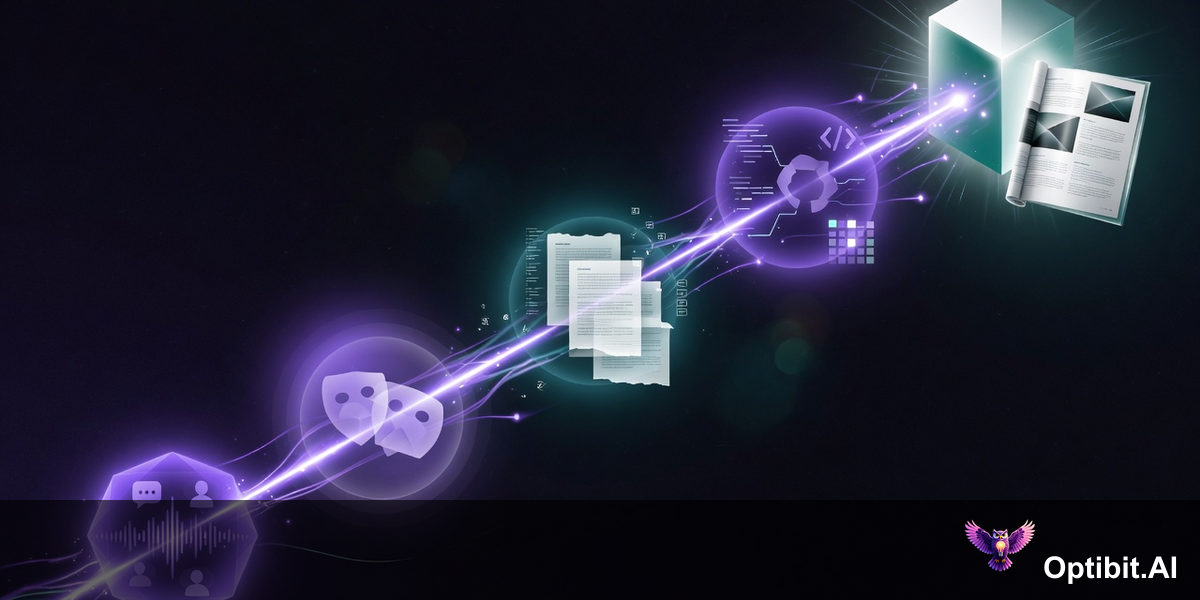
The generation flow itself now brings together every input in a single screen:
The output from that flow is not a draft that needs three rounds of revision. It is content that has the right voice because the persona was selected, the right framing because the audience profile was chosen, and the right factual grounding because the corpus and the GitHub diff were pulled in together. What used to require a kickoff meeting, a brief, a first draft, two rounds of review, and a final approval now happens in a single session.
The repeatability is the compounding advantage. Once your categories, artifact types, and persona combinations are configured, every release follows the same flow. The same content set, produced consistently, on the same day engineering ships, without scheduling a meeting to kick it off.
Getting Started With 2.2.0
The Assets tab is live now. Your existing artifacts have been migrated and are available with the new filtering and tagging interface. AI auto-tagging applies to new generations going forward; existing assets can be manually tagged or relabeled using the label management controls.
Personas and audience personas are available immediately under the generation flow. Start with the out-of-the-box templates to get a feel for the voice differentiation, then build custom personas that reflect your organization's specific tone and target segments. Share them to your organization once they're ready so every team member generates from the same library.
To use corpus-backed asset reference, add your most accurate and approved assets to the corpus from the Assets tab. Start with your most recent product brief, your canonical release summary, and any approved messaging guides. These become the baseline every future generation aligns to.
The AI editor is available inside any asset. Open an asset, highlight text, and click the AI editor icon to start editing. Version history is automatic and does not require any setup.
Try OptibitAI to see the full 2.2.0 feature set against your own repositories and content library.