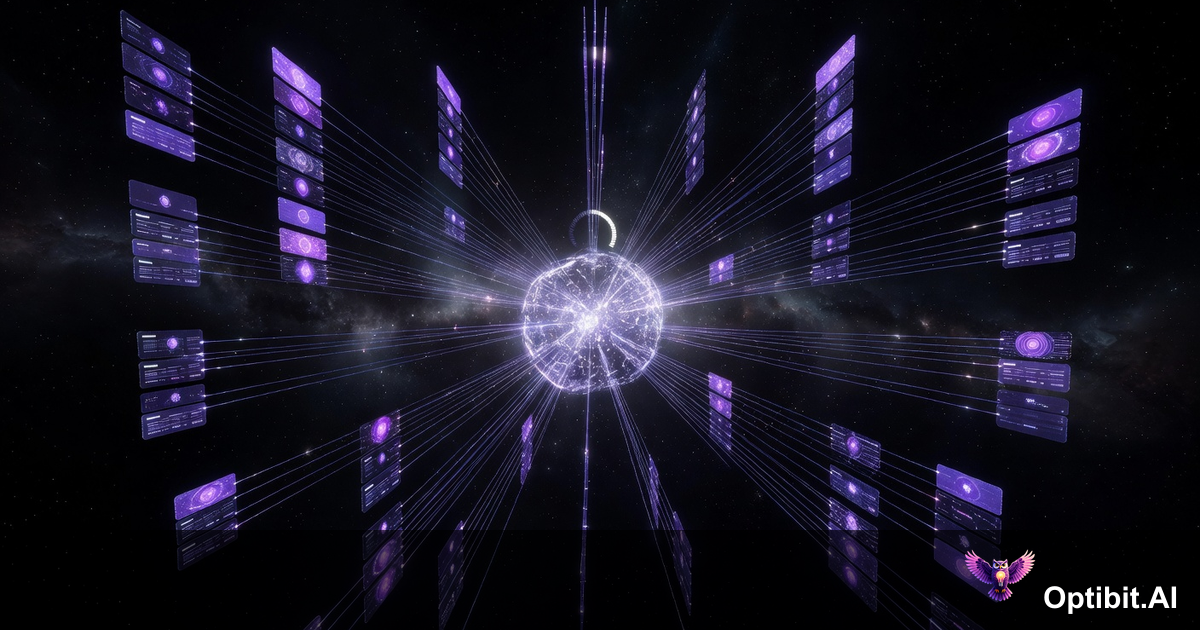
OptibitAI 2.1.0: Parallel Artifacts, Real-Time Tracking, and Admin Control
OptibitAI 2.1.0 is a foundational release. It addresses the core operational friction that has held back teams trying to use the platform at scale: waiting on sequential jobs, losing visibility into what is running, and managing access across larger organizations.
This release ships across 73 commits and adds over 18,000 lines. The changes are not cosmetic. Parallel artifact generation, a real-time job queue, an admin dashboard, Microsoft Copilot support, and first-class handling of long-running processes all ship together in this version.
Here is what changed, why it matters, and what it means for your team's daily workflow.
Contents
Parallel Artifact Generation
The previous architecture processed artifacts sequentially. If you needed a release summary, an RFP, and a press release from the same repository release, those jobs ran one at a time. For teams with dense release cycles (think 40 to 70 commits between releases), that meant long waits before any output was usable.
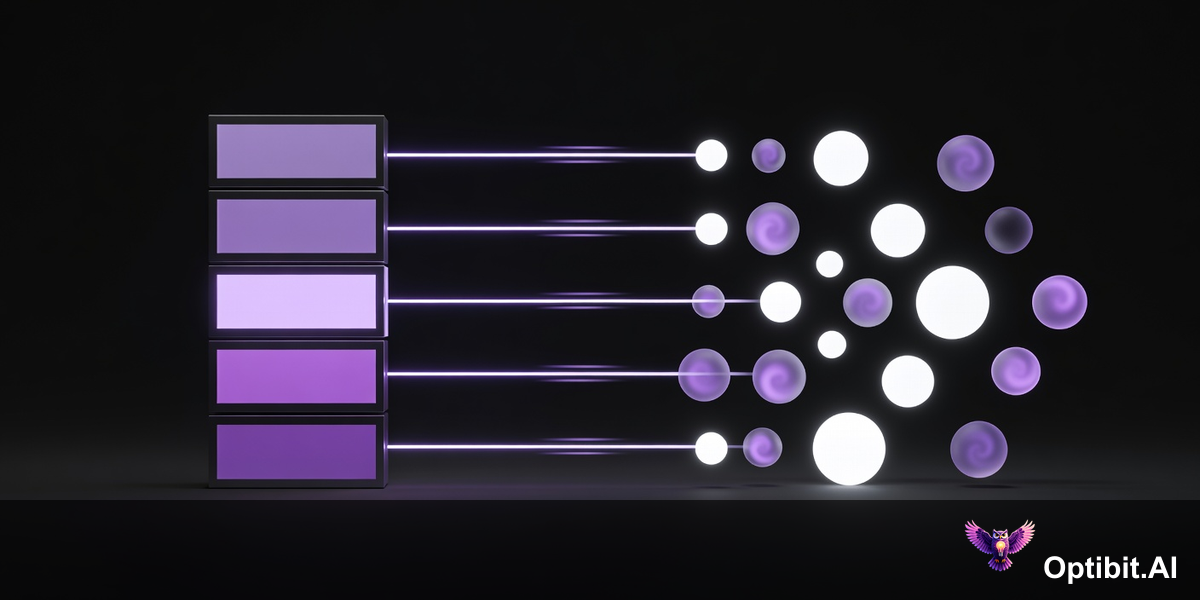
2.1.0 removes that constraint. Artifact jobs now run concurrently, bypassing browser-side limitations that previously capped throughput. Simple artifacts like summaries and RFPs with nested child documents generate simultaneously. You do not wait for job one to finish before job two starts.
In practice, this doubles effective throughput for teams running multiple artifact types per release. A release cycle that previously took 20 minutes to fully process can now complete in under 10, with all outputs ready at roughly the same time.
Job Queue and Real-Time Progress Tracking
Parallel processing only helps if you can see what is happening. Before 2.1.0, artifact generation was a black box. You submitted a job, waited, and either got output or did not. If something stalled, there was no visibility into why.
The new job queue changes that completely. Every active and recent generation job is visible with: the username who triggered it, a direct link to the source resource (the GitHub release, SharePoint file, or corpus that drove the job), the current status, and a progress indicator updated in real time.
This matters most for cross-team handoffs. When a product manager triggers a release summary and then hands off to a content writer, the writer can see exactly where the job stands without asking. When something stalls, the person responsible can see it and act, instead of learning about it through a Slack message 40 minutes later.
The tracking system estimates that real-time visibility alone saves teams 50% of the time previously spent chasing job status, particularly during high-volume release periods when multiple people are generating artifacts concurrently.
Admin Dashboard and Organization Controls
As teams grow, managing access becomes its own operational problem. Who has approved access? What integrations are active for which organizations? Who has editor rights versus view-only? Before this release, those questions required direct database access or manual tracking.
2.1.0 ships a full admin dashboard that handles the complete lifecycle of organization and member management. Admins can approve new account requests, generate magic link authentication for users, configure auto-approval rules for trusted domains, and archive organizations that are no longer active.
Role-based access control is now first-class: admin, editor, and viewer roles give teams the ability to let stakeholders view outputs without granting edit access, and to keep admin functions restricted to the right people.
Integration management sits in the same dashboard. Asana, Jira, Google Drive, Salesforce, OneDrive, and the rest of the supported integration surface are configurable per organization from a single interface.
Microsoft Copilot Integration
OptibitAI already supported OpenAI and Gemini as AI providers. 2.1.0 adds Microsoft Copilot as a third option.
For teams inside organizations that have enterprise Microsoft 365 agreements, this is meaningful for two reasons. First, it can reduce per-generation costs by routing work through an existing contract rather than a separate API budget. Second, it gives teams the ability to test different providers against the same prompt and evaluate output quality for their specific use cases.
Setup includes a connection test that validates credentials before any generation runs, which removes the frustration of a failed job caused by misconfigured credentials. Switching between providers is a configuration change, not a migration.
Long-Running Process Management
Some generation tasks are inherently heavy. Extracting content from large PDF, DOCX, or XLSX files before generating artifacts involves substantial processing time. Multi-file corpus operations can run for minutes. Previously, those jobs either completed or silently failed, with limited ability to intervene.
2.1.0 introduces first-class API support for long-running processes. Jobs that exceed normal completion windows are automatically flagged as stale rather than left in an ambiguous pending state. Every running job has a stop/kill control, so a misfired or hung process does not hold resources indefinitely.
Error handling is explicit: failures surface with actionable status instead of disappearing. For teams running OptibitAI on-premise with Docker and MariaDB, this is particularly important because there is no hosted infrastructure to absorb process failures quietly.
Homepage Redesign
The application homepage has been reorganized around the daily workflow rather than feature categories. Navigation to repositories, artifact outputs, organization stats, and the Opti chat interface is now direct and consistent.
The stats surface has been promoted: hours saved, active repositories, and releases processed are visible without navigating to a separate reporting view. The benchmark methodology (4 hours per 1,000 words of human-written content) gives teams a concrete way to communicate ROI to stakeholders who were not part of the buying decision.
This is a quality-of-life change, but the compounding effect on adoption is real. When the most common actions are one click away instead of two, daily usage increases and the platform becomes habitual rather than occasional.
How to Upgrade
Pull v2.1.0 from GitHub at OptibitAI/optibitai-prototype-packagejs. The release is deployable via Docker Compose for standard environments, or via the deployment scripts for on-premise configurations.
Before upgrading, check tests/README.tests.md for the current test suite documentation. The admin dashboard introduces new database schema additions that the migration scripts handle automatically, but verifying your backup process before upgrading a production instance is the right call.
For questions about specific deployment configurations or integration setup, the docs cover the full surface area of what shipped in this release.
Try OptibitAI to see what parallel artifact generation looks like against your own repositories.