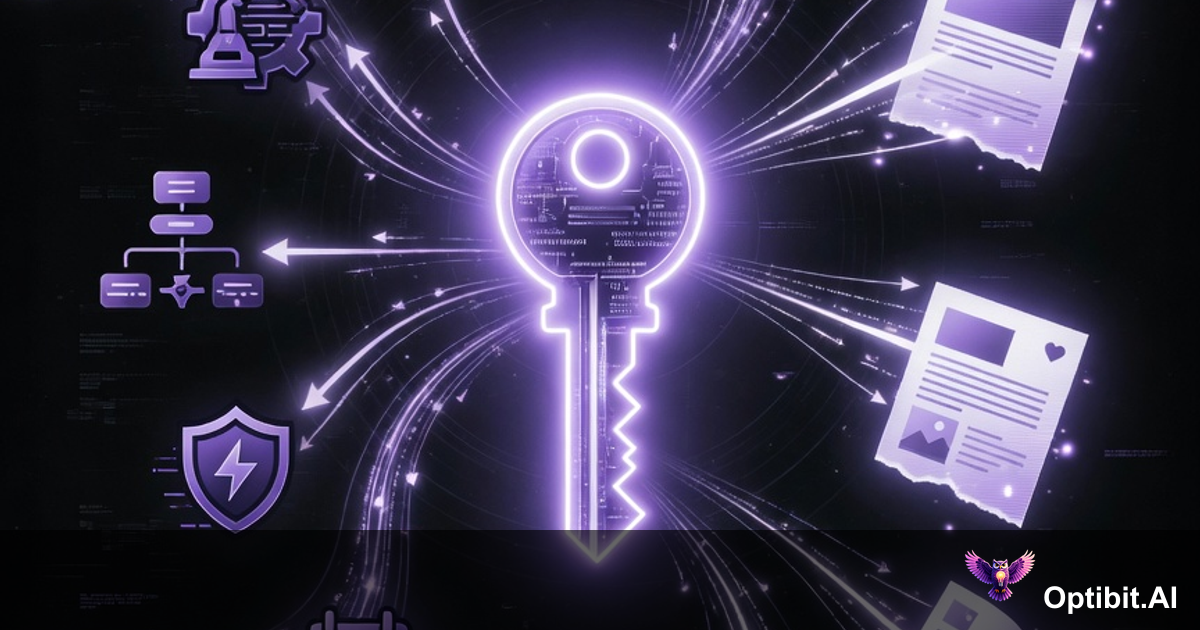
OptibitAI Now Has an API: Connect Your Automation Stack to Your Content Engine
Until now, using OptibitAI meant visiting OptibitAI. You logged in, selected a source, chose your artifact type, ran a job, and copied the output into wherever it needed to go. That workflow works. A lot of teams got real value from it. But it has a ceiling: a human has to be present every time content needs to be generated.
That ceiling is gone.
OptibitAI v2.2.0 ships API keys. With a key, any external system, automation platform, agent, or custom script can trigger OptibitAI directly. Your content corpus, personas, integrations, and artifact types are now accessible programmatically. A GitHub release, a Salesforce stage change, a Jira sprint close, a scheduled cron job: any of these can now kick off a full OptibitAI generation run without a human clicking anything.
This post explains what API keys are, how they work, what you can build with them, and how to get started.
Contents
What Actually Changes With an API Key
The mental model shift is straightforward: OptibitAI moves from being a tool you visit to infrastructure you call.
Before API keys, the value chain looked like this: something happens (a release ships, a deal advances, a sprint closes), a human notices, a human logs into OptibitAI, a human triggers the generation, a human takes the output somewhere. Four human touchpoints for content that the platform could generate automatically if it knew the trigger had fired.
With API keys, the chain shortens to: something happens, content is generated and delivered. The human touchpoints collapse to zero for routine content operations. What was a workflow that required a person becomes a workflow that runs on its own.
This matters most at scale. If your team ships every two weeks and uses OptibitAI to generate release notes, a blog post, social content, and internal summaries per release, that is roughly eight to twelve manual generation runs per release cycle. Across a year, you are looking at hundreds of manual runs that could be automated. API keys convert that recurring manual work into a pipeline that runs on its own.
How Keys Work: The Proxy Architecture
When you create an API key in OptibitAI, you get a single token. That token is shown to you once, at creation time, and never again. Store it somewhere safe.
When an external system calls OptibitAI using that key, a few things happen that are worth understanding:
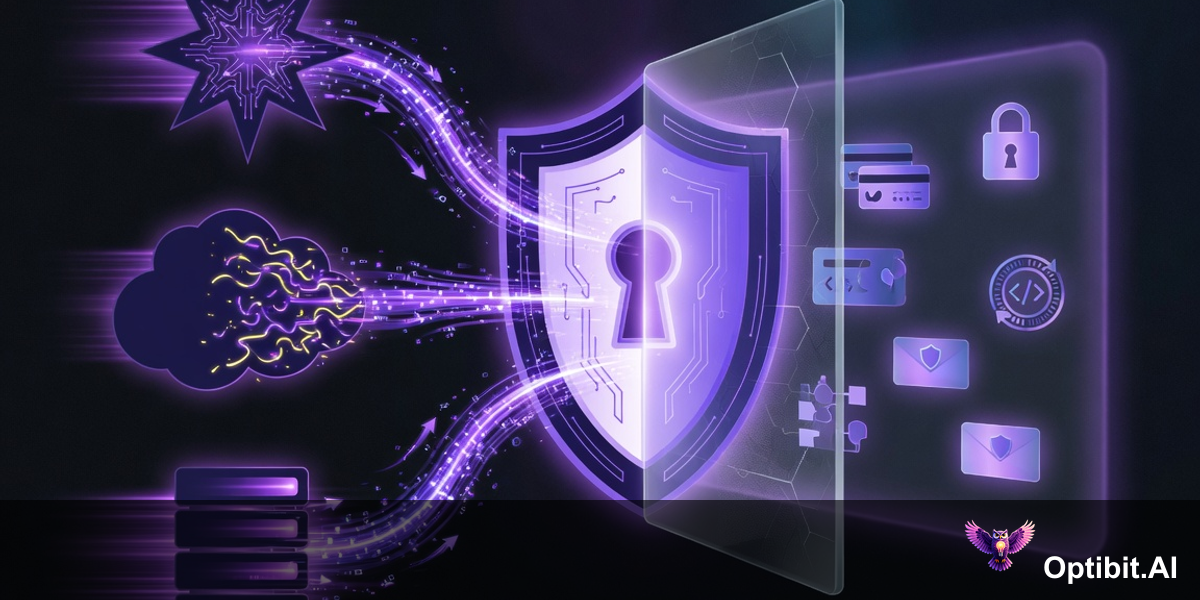
Your integration secrets stay inside the platform. OptibitAI already holds your GitHub token, your Jira credentials, your Salesforce connection, your Confluence access. When an external automation calls OptibitAI with an API key, that system never touches those credentials. The API key acts as a proxy. OptibitAI authenticates the incoming request, then uses its own internal credentials to pull data from whatever sources the generation requires. The external caller sees only the API key, nothing else.
Your corpus and personas travel with every request. When a call comes in through the API, it has access to the same corpus, writer personas, and audience personas that you built inside the platform. You do not need to ship your brand guidelines and product knowledge to every external system that triggers a generation. They live in OptibitAI and get applied automatically. Every artifact that comes out of an API call is grounded in the same context as one you triggered manually.
Scoped permissions control what the key can do. You decide at key creation whether it can read from the corpus, write new artifacts, trigger integrations, or some combination. A key for a read-only reporting integration gets different permissions than a key powering a full generation pipeline. Keys can also be scoped to organization-level access or restricted to a specific member's context.
The Use Cases Nobody Has Automated Yet (But Should Have)
The obvious automation is release-triggered GTM content. That one is real and worth doing. But the more interesting use cases are the cross-functional ones: the workflows that span two systems no one thought to connect, that involve a handoff that always gets dropped, that produce value every single time and yet are still done manually at almost every company.
These are the ones worth building first.
1. Support Ticket Volume Triggers an Engineering Brief
Your support queue is full of signals engineering needs to hear. Fifteen tickets about the same broken workflow. Twenty customers confused by the same onboarding step. A cluster of requests for a capability that doesn't exist yet. Right now, a support manager has to manually read through those tickets, synthesize the pattern, and write up a summary that might get escalated to engineering or product. Most of the time, that summary never gets written. The signal evaporates.
With the API, a support platform webhook fires when ticket volume for a topic crosses a threshold. OptibitAI reads the tickets, synthesizes the pattern, maps it against your existing product corpus and known backlog, and generates a structured engineering brief. The brief lands in Jira as a properly formed ticket: symptoms, affected users, frequency, and a suggested priority rationale. Engineering gets signal they can act on. Support gets credit for surfacing it. The loop closes in minutes instead of never.
2. Closed-Lost Deals Feed the Product Backlog
Every lost deal contains product intelligence. The rep logged the loss reason, noted the competitor that won, and wrote two sentences about what the prospect said was missing. That data sits in Salesforce. Product management never sees it in a usable form. PMs are setting sprint priorities without knowing that a specific feature gap cost six enterprise deals last quarter.
When a deal closes as lost in Salesforce, OptibitAI reads the opportunity record: loss reason, competitor field, rep notes, deal size, and buyer segment. It generates a structured product feedback summary, maps the gap against your current Jira backlog, and either creates a new ticket or appends evidence to an existing one. Over a quarter, PM sees a prioritization signal built from real revenue data, not gut feel. Win/loss reporting becomes a live input to roadmap decisions instead of a quarterly slide nobody acts on.
3. Every Sprint Close Produces a CS Brief
Engineering ships a sprint. Somewhere in that sprint are fixes to bugs customers have been complaining about, new features that change workflows CSMs need to know, and deprecations that will generate support tickets if no one is warned. The CS team finds out about most of this when a customer asks a question they cannot answer.
When Jira closes a sprint, OptibitAI reads the completed tickets, filters for customer-facing changes, and generates a CS brief: what shipped, which customer segments it affects, what the before-and-after looks like, and what CSMs should proactively tell their accounts. The brief is written in plain language, not engineering shorthand. It arrives in the CS team's channel before the next business day. The CSM walking into a QBR on Monday knows what changed last week.
4. New Contract Signed Triggers a Personalized Onboarding Package
A deal closes in Salesforce. The customer is excited. Someone on the CS or implementation team now has to manually produce a welcome email, an implementation guide tailored to the customer's use case, a kickoff agenda, and a first 30-day success plan. That work takes days. It is usually generic because nobody has time to personalize it properly. The customer's first experience with your company after signing is waiting.
When an opportunity closes as won in Salesforce, OptibitAI reads the contract details, product tier, industry, and use case captured in the opportunity. It generates a personalized onboarding package: a welcome email that references their specific goals, an implementation guide scoped to their configuration, a kickoff agenda with relevant questions, and a 30-day success plan with milestones. The CS team receives a complete, personalized first draft within minutes of the deal closing. The customer's first impression of post-sale is fast, specific, and professional.
5. QBR Prep Happens Automatically
Customer success managers spend three to four hours preparing for every quarterly business review. They pull usage data, dig through release notes to find what shipped since the last QBR, review the account history in Salesforce, check open support tickets, and try to build a coherent story about value delivered and what is coming next. It is one of the most time-consuming recurring tasks in the CS function, and it happens before every single QBR.
When a QBR is scheduled in the CRM or calendar system, a trigger fires. OptibitAI reads the account record from Salesforce, pulls recent releases and feature changes from GitHub or Jira, checks open and recently resolved support tickets, and generates a QBR preparation package: a value summary covering what shipped since the last review, a feature adoption breakdown, outstanding issues, and a suggested agenda with talking points. The CSM arrives with a first draft that takes twenty minutes to review and personalize, not four hours to build from scratch.
6. Release Ships and the Whole GTM Package Appears
A GitHub tag is created. OptibitAI pulls the commits, PR descriptions, and linked Jira tickets, then generates the complete release content package in parallel: external release notes, an internal CS brief, a blog post draft, social copy, an updated FAQ section, and a sales talking points document. Every downstream team has what they need before anyone logs in to ask for it. Marketing does not have to chase engineering. CS does not find out from a customer. Sales does not pitch a feature that shipped two versions ago.
Works With Your Stack
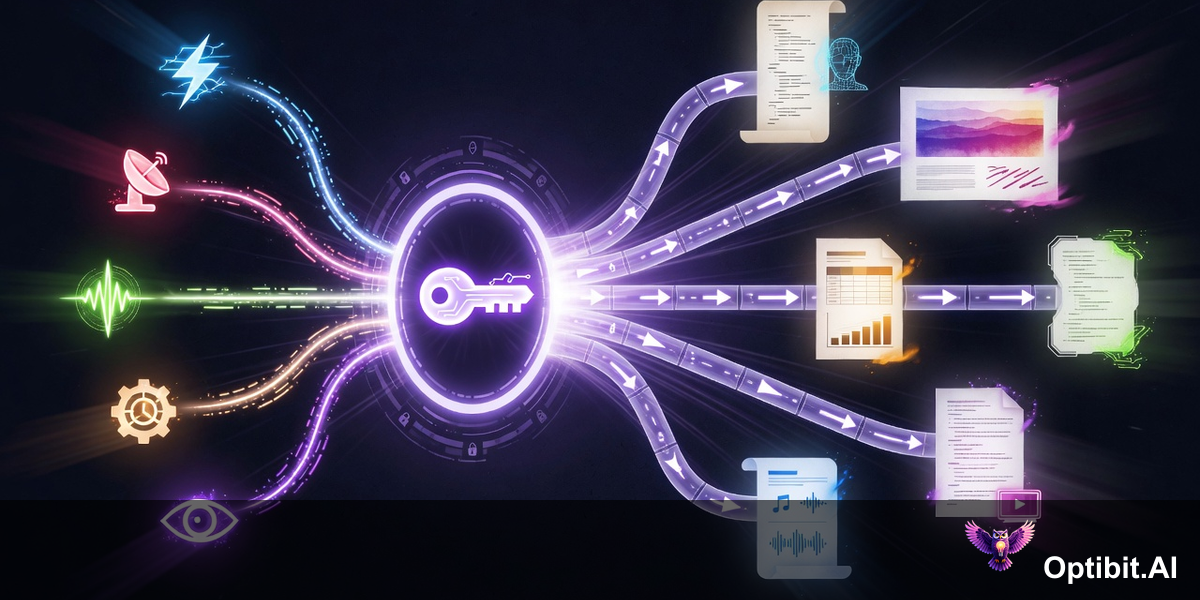
API keys work with any platform that can make an HTTP request. These are the integrations teams are building first:
No-Code Automation Platforms
Use OptibitAI as a webhook action step in any no-code automation platform. Trigger from Salesforce, HubSpot, GitHub, or any other connected app. No code required.
n8n
Add an HTTP Request node pointing to the OptibitAI API. Chain it after any trigger node: GitHub webhooks, Jira updates, scheduled intervals.
Make (Integromat)
Build scenarios with an HTTP module calling OptibitAI. Combine with Make's native connectors for multi-step content workflows with branching logic.
CI/CD Pipelines
Add a curl call to your GitHub Actions, GitLab CI, or Jenkins pipeline. Trigger content generation on tag creation, merge to main, or deployment success.
Claude Agents
Register OptibitAI as a tool in your Claude agent configuration. Let the agent call OptibitAI when content generation is needed as part of a broader agentic workflow.
Custom Scripts
Any language that can make an HTTP POST works. Python, Node.js, Go, Ruby. If you already have internal tooling, adding an OptibitAI call is a few lines.
The API follows standard REST conventions with JSON request and response bodies. Authentication uses a bearer token header. If you have called any modern API, the pattern is immediately familiar.
Permissions, Revocation, and Audit Trails
Enterprise teams need more than just access. They need control over who can do what, visibility into what is happening, and the ability to respond quickly when something changes.
- Scoped permissions: Each key is created with explicit read and write permissions. You control whether a key can access the corpus, trigger integrations, generate artifacts, or some combination. A key powering a read-only dashboard has different permissions than one running a full generation pipeline. Least-privilege is the default posture.
- One-time key exposure: The key value is displayed exactly once, at creation. After that, it is not visible in the platform. This prevents key sprawl and forces teams to handle secrets properly from the start. If a key is lost, revoke it and create a new one.
- Instant revocation: Any key can be disabled immediately from the settings panel, with no code changes required on the calling side. If a key is compromised, a contractor leaves, or an integration is decommissioned, the key is gone in one click. The external system stops working immediately.
- Full audit logging: Every API call is logged with a timestamp, the key identifier, the action taken, and the artifact produced. This supports compliance reporting, usage analysis, and incident investigation. You can see exactly what each key was used for and when.
- Proxy architecture: External callers never see the OAuth tokens OptibitAI holds for your integrations. The API key is the only credential that leaves the platform boundary. This keeps your GitHub tokens, Salesforce credentials, and Confluence access inside OptibitAI where they belong.
For organizations with strict data residency requirements, OptibitAI also offers an on-premises Docker deployment option. The API key model works identically in the self-hosted version: same security architecture, same permission controls, same audit trails, with all data remaining inside your infrastructure.
Getting Started in Under Ten Minutes
Creating and using your first API key takes less time than writing release notes by hand.
Step 1: Generate a key. In your OptibitAI settings, navigate to API Keys and click Create Key. Give it a descriptive name (the name of the integration or automation that will use it), set the permission scope, and click Generate. Copy the key immediately. You will not see it again.
Step 2: Make a test call. Verify the key works with a simple request from your terminal:
curl -X POST https://api.optibit.ai/v1/generate \
  -H "Authorization: Bearer YOUR_API_KEY" \
  -H "Content-Type: application/json" \
  -d '{
    "source": "github",
    "ref": "v2.2.0",
    "artifact_type": "release_notes",
    "persona": "technical_writer"
  }'
Step 3: Connect your trigger. Add the API call to whatever system fires the event you want to automate. In a no-code automation platform, that is a webhook action step. In n8n, it is an HTTP Request node. In your CI/CD pipeline, it is a curl command in the relevant job. In a Claude agent, it is a tool definition pointing to the endpoint.
Step 4: Review the first automated output. The first few automated runs are worth checking manually to confirm the persona, corpus context, and artifact type are producing the output you expect. Adjust the request parameters as needed. Once the output looks right, the pipeline runs without supervision.
API keys are available to all OptibitAI accounts as of v2.2.0. Organization admins can generate keys from the Settings panel under API Access. Member-level keys can be created by individual users for personal integrations, with organization-level keys available to admins for shared pipelines.
The platform that used to require you to show up has learned to run without you. That is what v2.2.0 ships.
Get started at Optibit.AI or check the API documentation to connect your first automation.